






Is there a minimum deposit amount I should be aware of when using credit cards at Lab Casino?

Lab Casino’s deposit guide covers the key steps involved in funding an account, monitoring transaction progress and requesting a withdrawal from the available balance.
It also highlights important checks related to payment information, identity verification and possible processing delays. No specific payment methods, transaction limits, fees or processing times are confirmed, so these details should be checked directly with the cashier rather than assumed.
| Payment Method | Payment Type | Processing Steps | Key Verification Points |
|---|---|---|---|
| Bank Cards | Card transactions | Payment authorisation | Card details, authorisation request |
| Online Banking | Direct bank payments | Bank login, payment approval | Transfer amount, recipient details |
| E-Wallets | Digital wallet payments | Wallet login, transaction confirmation | Wallet account, payment amount |
| Bank Transfer | Account-to-account transfers | Transfer submission, bank processing | Recipient account, payment reference |
| Local Payment Methods | Regional payment services | Provider-specific processing | Payment instructions, transaction reference |
| Cryptocurrency | Digital asset transfers | Blockchain network confirmation | Asset, network, destination address |
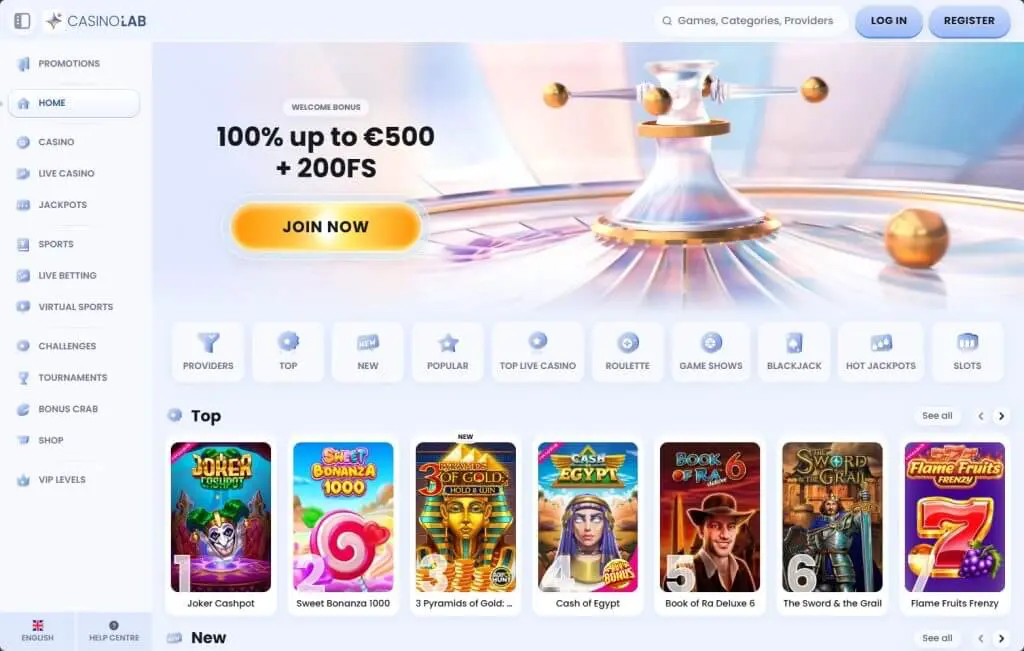
Sign in to your account before opening the cashier. Make sure your account details are accurate and that you can access the payment account you intend to use. If we request verification, follow the instructions provided with that request.
Decide how much you want to deposit before starting. Enter the amount carefully and review it before authorising the payment; an authorised transfer can be harder to correct than an entry you have not yet submitted.
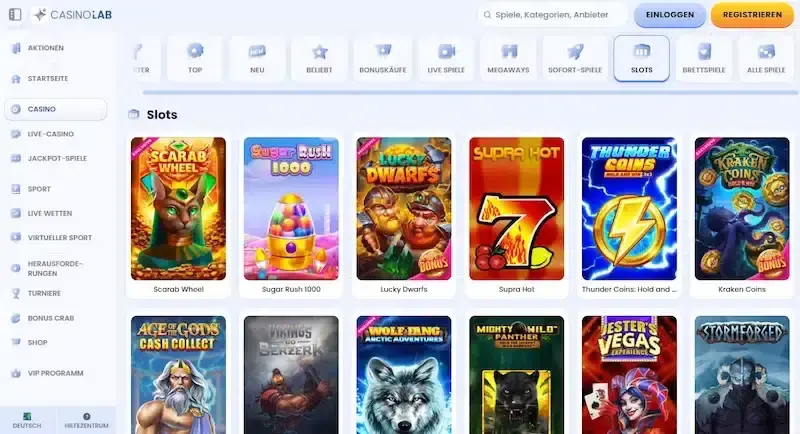
Our supplied information does not identify specific supported payment methods. The method types in the table describe payment mechanisms, not a promise that any particular option is offered in our cashier.
When you open the cashier, use the options presented to you as the starting point. Select a method only after you understand how you will authorise the payment and which account will provide the funds.
The following method types describe when each payment mechanism may suit you. They do not confirm that we offer any particular option in our cashier.
A card payment generally involves entering card information and completing any authorisation requested by the card issuer. Online banking can involve a separate bank sign-in or approval. In either case, review the amount before you confirm it.
For a bank transfer, copy the recipient details and any reference exactly as instructed. A missing or incorrect reference can make it harder to identify which account should receive the funds.
An e-wallet payment can require you to sign in to a separate wallet account and approve the transaction there. Keep the payment confirmation so you can identify the transaction if you need help tracing it.
Cryptocurrency transfers require particular care with the asset, network and destination address. Sending an asset to an incompatible address or over the wrong network can result in a loss that cannot be reversed.
Use the deposit flow in our cashier to select an offered option, enter an amount and complete the payment authorisation. Keep the confirmation until you can see the result in your account.
For a withdrawal, start from the cashier’s withdrawal flow and enter the requested details. A withdrawal request and the arrival of money in your payment account are separate events; retain the request details while it is being processed.
Follow these steps in sequence: the first four cover a deposit, and the remaining four cover a withdrawal. Complete each authorisation or verification request before moving on.
We have not supplied a minimum deposit, maximum transaction amount or list of supported currencies. Do not assume that a figure from another payment service applies to a transaction in our cashier.
Before confirming an amount, read any limit or currency information presented in the payment flow. If your payment account uses a different currency, a conversion may affect the amount charged or received.
We have not supplied deposit or withdrawal processing times or fee amounts. A payment can involve both our transaction handling and steps performed by your bank or other payment service.
Review the amount and any charge shown before authorising a transaction. For a withdrawal, distinguish the time taken to handle your request from the time your payment service takes to make received funds accessible.
Keep your account credentials and payment authorisation codes private. Enter payment information only in the relevant payment flow, and do not send a password or one-time code when asking for help with a transaction.
If we ask you to verify your identity or a payment method, provide the requested information through the process described in that request. Verification can help establish the connection between you and the payment details used for a transaction.
Do not immediately repeat a payment if you are unsure whether the first attempt succeeded. First inspect the transaction status and your payment account; a second authorisation could create a separate charge.
A withdrawal can involve verification, our handling of your request and processing by a payment service. These actions help you avoid preventable errors and identify a delay.
Compare the amount, date and transaction reference in your payment confirmation with the information shown in your account. If the payment was declined, review the details you entered and any message from your payment service before trying again.
A pending status is not the same as a completed deposit or withdrawal. Keep the reference and note the status you see so that you can describe the issue accurately if you contact us.
When you contact us about missing funds, provide the transaction type, amount, date, payment method and reference. Explain whether your payment account shows a charge or transfer and whether your casino balance reflects it.
Share only the information needed to identify the transaction. Do not include your password, full card security code or a one-time authorisation code in your message.
Is there a minimum deposit amount I should be aware of when using credit cards at Lab Casino?

I found the e-wallet deposit process straightforward, but I wish there were more options available.

Does Lab Casino support cryptocurrency deposits, or is it limited to traditional payment methods?

Depositing via bank transfer took longer than expected, so I recommend checking processing times beforehand.
I appreciate that Lab Casino offers multiple deposit payment methods, making it easy to choose what suits me best.
Are there any fees associated with depositing funds, especially when using international cards?
I wish the deposit confirmation was faster; sometimes it takes a few minutes to reflect in my account balance.
The deposit interface is user-friendly, and payment methods like PayPal make it convenient to add funds quickly.
Is there a minimum deposit amount I should be aware of when using credit cards at Lab Casino?
I found the e-wallet deposit process straightforward, but I wish there were more options available.
Does Lab Casino support cryptocurrency deposits, or is it limited to traditional payment methods?
Depositing via bank transfer took longer than expected, so I recommend checking processing times beforehand.
I appreciate that Lab Casino offers multiple deposit payment methods, making it easy to choose what suits me best.
Are there any fees associated with depositing funds, especially when using international cards?
I wish the deposit confirmation was faster; sometimes it takes a few minutes to reflect in my account balance.
The deposit interface is user-friendly, and payment methods like PayPal make it convenient to add funds quickly.
We have not supplied a withdrawal processing time. A pending request has not necessarily reached your receiving account, so retain its reference and inspect its status. If you contact us, provide the amount, submission date and reference so we can identify the request.
We have not supplied a minimum deposit or deposit and withdrawal fee amounts. Before you authorise a transaction, read the amount and any limit or charge presented in the payment flow. Your payment service may also show a charge or currency conversion as part of its authorisation.
We have not supplied a list of supported methods or confirmed cryptocurrency support. If you want to change a withdrawal method, use an option presented in the withdrawal flow and complete any verification we request. For any offered cryptocurrency transfer, match the asset, network and destination address before sending.